
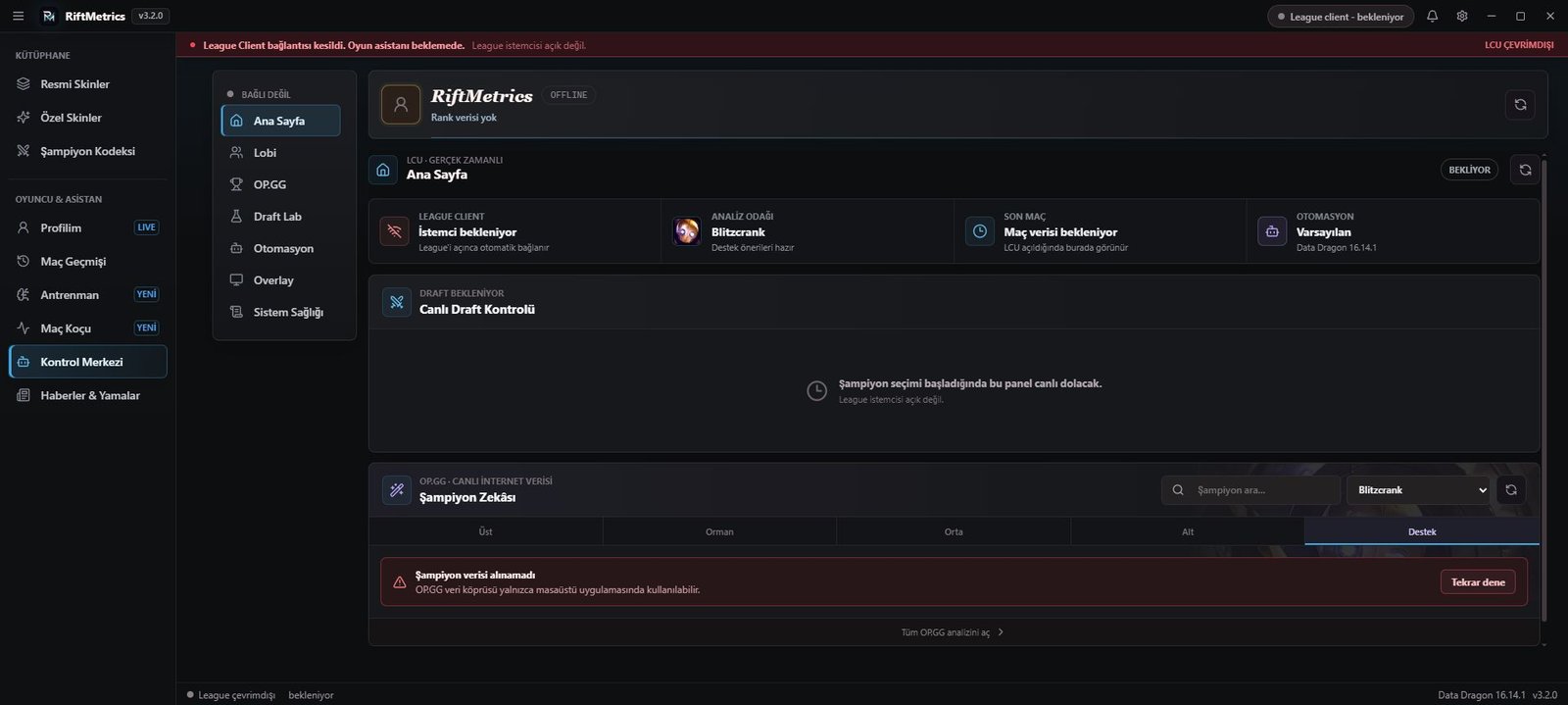
Current installer
RiftMetrics uses a per-user Windows installer. Existing settings and local reports remain in place during an update.
File: RiftMetrics-Setup-3.3.0-x64.exe
SHA-256: B8D9AF4D263FA8F5BEC8711A498FD23559CC4BC5353BA1145702F747AA7E81D7
Requirements
- 64-bit Windows 10 or Windows 11.
- League of Legends and Riot Client.
- An internet connection for current build data, news and application updates.
- Borderless or windowed mode is recommended for the overlay.
Verify the download
After downloading, compare the file's SHA-256 value in PowerShell:
Get-FileHash .\RiftMetrics-Setup-3.3.0-x64.exe -Algorithm SHA256
The result must match the SHA-256 shown above. Download RiftMetrics only from riftmetric.com.
Automatic updates
The installed app checks the HTTPS update manifest at startup and every four hours. A new release is downloaded in the background only after it is found, and installation starts after your restart approval.
Windows SmartScreen
The current package is not yet Authenticode signed, so Windows may show a publisher warning during early downloads. Verify the domain, file name and SHA-256 before running it.